This free Tana course remains available for learners. Cortex Futura’s active work now focuses on production judgment for AI-built software.
Your first steps with Tana
Welcome to Tana Fundamentals - a beginner's course for learning how to use Tana. It's 100% free, public, and full of examples and step-by-step instructions.
We'll start with a completely blank workspace and work through the basics of nodes, fields, supertags, and more. By the end, you'll have more than a solid understanding of Tana - you might be blown away by its power 😉

Hi, I'm Lukas -
I'm a note-taking nerd and author behind Tana Fundamentals
For the last 15 years I have spent way too much time thinking about and perfecting ways to make my note-taking better. It's what got me through my PhD, and I think I've learned a couple of things on the way.
With this course I want to teach as many people as possible about the amazing powers of Tana.
It's also completely free. With this free course alone you can learn to build amazing systems and workflows in Tana.
Below, you'll find links to all the course resources, along with the lessons. Have fun!
Get My Free Templates and Resources
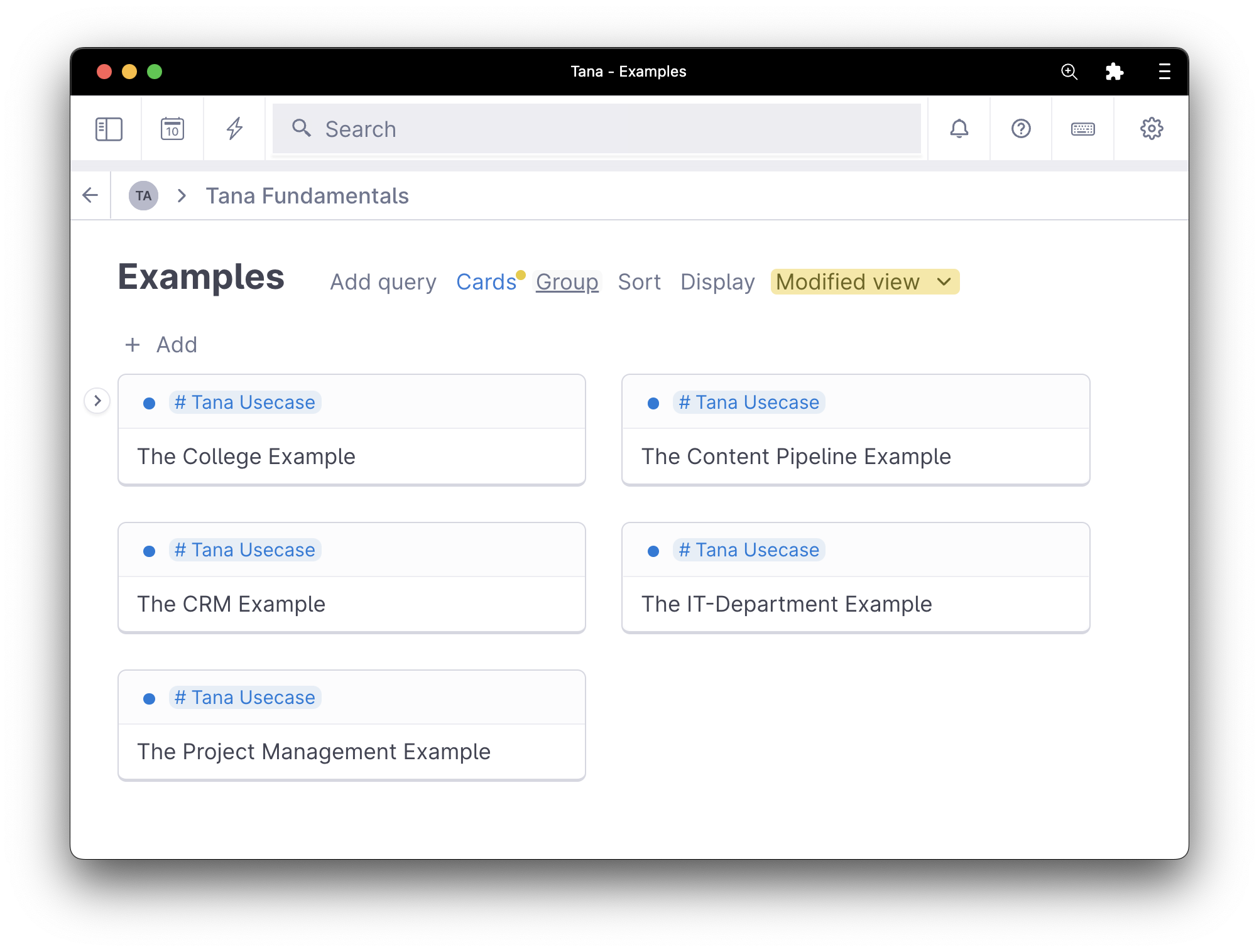
Each lesson we'll be working comes with step-by-step instruction that is super beginner friendly. That makes it easy to follow along and replicate everything in your own workspace, if you want.
The original lessons and linked resources remain available below. Work through them in order or jump directly to the part of Tana you need.
This is an archived course. The lessons remain free, and no new Tana Tips issues are planned.
Lessons

Lesson 1: Orientation
Before we can dive really deep into using Tana, we need to orient ourselves in Tana's (beautiful) UI. This is a very simple lesson, but because Tana as a couple of tricks up its sleeve definitely worth a watch.

Lesson 2: Everything is a Node
In Tana, everything is a <b>node</b>. In this lesson, you'll learn all about nodes - how to create them, link them, embed them, and using different Views to look at them. We'll also start building towards a reading and note-taking workflow.

Lesson 3: Data about Nodes
One of the things that set Tana apart is the ability to attach data about a node directly to it. In this lesson you'll learn about is-a and has-a - something that will immediately unlock powerful workflows.

Lesson 4: Search in Tana
Tana has one of, if not the most advanced search capabilities of any note-taking tools out there. This lesson teaches everything about how Tana's search will make you want to use Tana for everything.

Lesson 5: Supertag Basics
Do you know what's better than a tag? A supertag! I'll show you what crazy things you can do once you grok Tana's supertags in this lesson.

Lesson 6: Supertag + Search = 🤯
The rabbit hole goes deep - and once you start nesting searches and supertags it goes every deeper.Once you've started combining supertags with searches, there will be no going back. Promise.
More Tana Tutorials
Once you've moved beyond the basics, you can check out these advanced tutorials to take your Tana skills even further.